Here's a scenario that plays out in independent phone shops every week. A customer walks in to sell their iPhone. They also have an older iPad gathering dust in a drawer, and a MacBook they've already replaced — both of which they'd happily sell if you offered. But you only buy phones, so they take the iPad and MacBook to CEX, sell them on eBay, or just leave them in the drawer for another six months. You've left £200–700 of revenue on the table per customer, and you didn't even know.
This isn't an obscure edge case. It's the most common missed-opportunity pattern in independent trade-in. And it's almost embarrassingly easy to fix.
The numbers
The maths is brutal. Average used iPad trade-in value: £80–200. Average used MacBook trade-in value: £150–500. Even at a conservative blend of five extra devices a week at £150 average, that's £3,000 a month in additional buying volume — and £600–1,200 of additional gross margin once you resell them. Over a year, that's £36k a phone shop is leaving on the table by not offering tablets and laptops.
And critically, this is incremental volume from customers you already have. You're not buying new traffic; you're capturing devices your existing customers would otherwise sell elsewhere.
Why phone shops don't do it
The objections are real but resolvable:
"I don't know laptop pricing." A configurable price grid handles it. Start with conservative numbers from comparison sites — typically 30–40% below the retail used market — and refine as you learn. The platform applies pricing per make, model, storage, and condition automatically. You don't need to be a laptop expert; you need a price grid.
"The grading is different." It is — and configurable testing checklists per device type handle exactly this. Laptop checklists cover keyboard function, screen condition, battery cycle count, port testing, hinge condition, charger inclusion. Tablet checklists are closer to phones — screen, battery, ports, charge cycles. Staff learn each in an afternoon.
"I'd need a separate system." Not on a platform built around configurable catalogues. The same pipeline, the same dashboard, the same payment workflow. Tablets and laptops are just additional categories in the catalogue — they go through every other process unchanged.
"What if I get devices I can't resell?" Same answer as for phones: condition-based grading with refusal options for devices outside your scope. You decide what you accept; the platform enforces it consistently.
What changes when you add tablets and laptops
Operationally, almost nothing. The customer-facing flow is identical — a customer comes to your website, selects "Tablets" or "Laptops" instead of "Phones", picks their model, condition, and storage, and gets a quote. They book a postal trade-in or walk in to the shop. The device flows through the same pipeline as a phone: received, tested, graded, paid.
For walk-in trade-ins, the counter workflow is identical. Staff scan or enter the device, the testing checklist appears (specific to the device type), they grade it, the system offers a price, they pay. The same operational discipline applies whether the device is an iPhone, an iPad, or a MacBook — which is the whole point. You don't have to learn three workflows; you have one.
The configurable catalogue is the trick
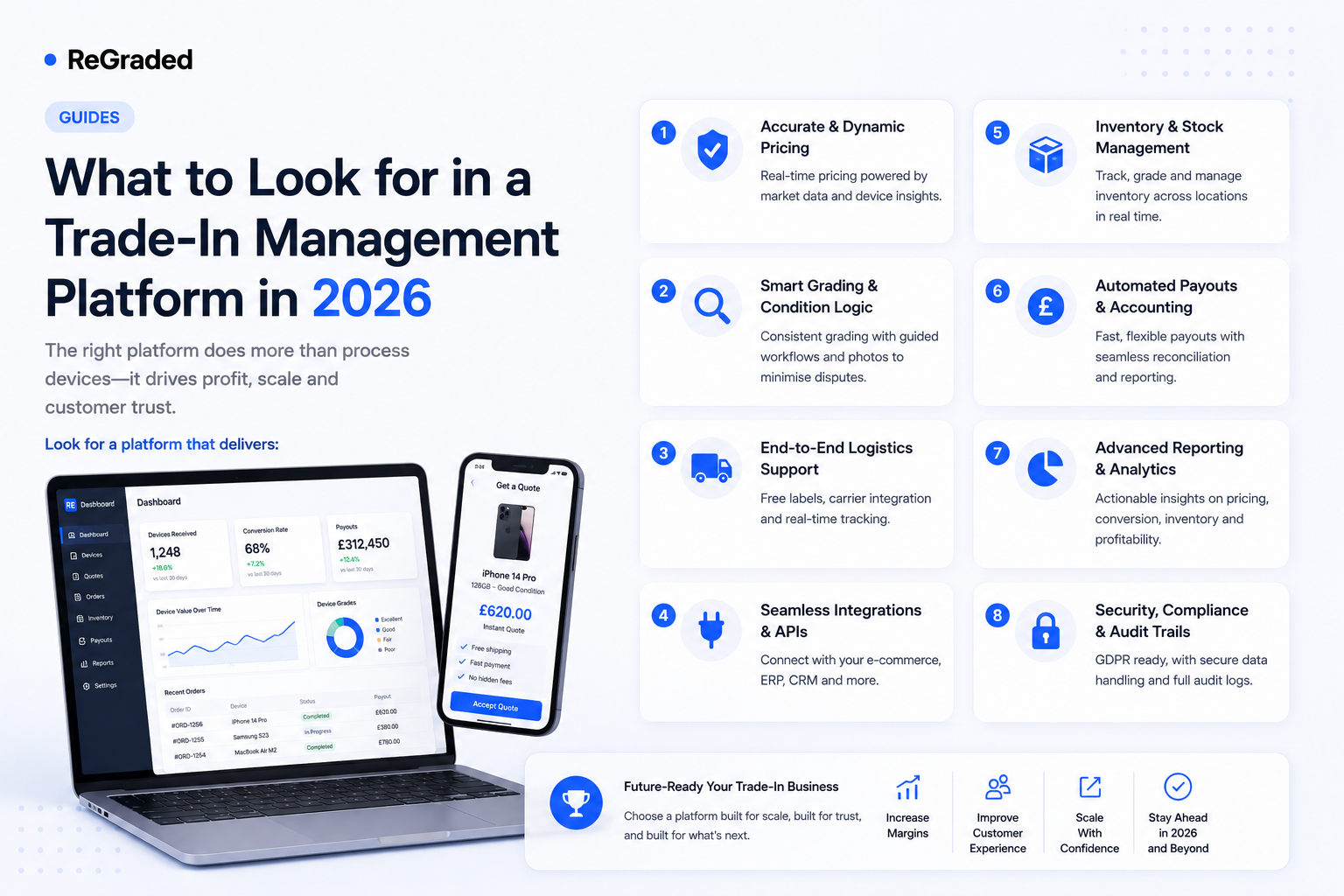
The reason adding tablets and laptops is so low-effort on a proper platform is that the catalogue is configurable per tenant. iPhone 15 Pro, iPad Air, and MacBook Pro 14" are all just variants in the same catalogue — each with their own conditions, storage options, and prices, but flowing through the same system. Device pages auto-generate from the catalogue, so adding a new category doesn't require web design work — it requires a few hours of catalogue setup.
This is the architectural choice that matters. Platforms with hard-coded device types make every new category a development project. Platforms with configurable catalogues make every new category a configuration job. The difference is roughly 20:1 in time.
Pricing principles transfer cleanly
The same pricing logic that works for used phones works for tablets and laptops. Research comparison-site prices, set a position relative to them based on your acquisition strategy, build a grid not a guess, and update it weekly. Used MacBook prices drift slightly slower than used iPhone prices (the desktop market is less volatile than mobile), but the discipline is identical.
The one thing to watch is that laptop prices are more sensitive to spec details than phones. A MacBook Pro 14" with 16GB RAM and a 512GB SSD is meaningfully different from the same model with 32GB and 1TB. Your price grid needs to handle the configuration variability, which is exactly what variant-based pricing is built for.
The use cases sharpen the message
If you serve any of these customer types, tablets and laptops are obvious additions:
Independent phone shops in retail high streets, where customers regularly have multiple Apple devices.
University-town operators, where students cycle through MacBooks and iPads on an academic-year rhythm.
City-centre shops serving professional customers replacing devices on corporate refresh cycles.
Online-only operators, where adding categories costs literally nothing beyond catalogue setup.
The tablet and laptop use-case pages walk through specifics by device type, including catalogue depth and grading defaults.
The launch playbook
Adding tablets and laptops doesn't need a project plan. The steps are roughly: enable the categories in the catalogue, import or build the price grid (starting from platform defaults is fine), configure the testing checklist per device type, brief the counter staff for an hour on the additional workflow, and go live. From decision to first trade-in is typically a working day.
If you'd like to see how the multi-category catalogue works, we'll show you a live trade-in flow across phones, tablets, and laptops in the same pipeline. Pricing doesn't change based on how many categories you run — every tier includes the full catalogue, because limiting categories would be limiting your revenue for no good reason.